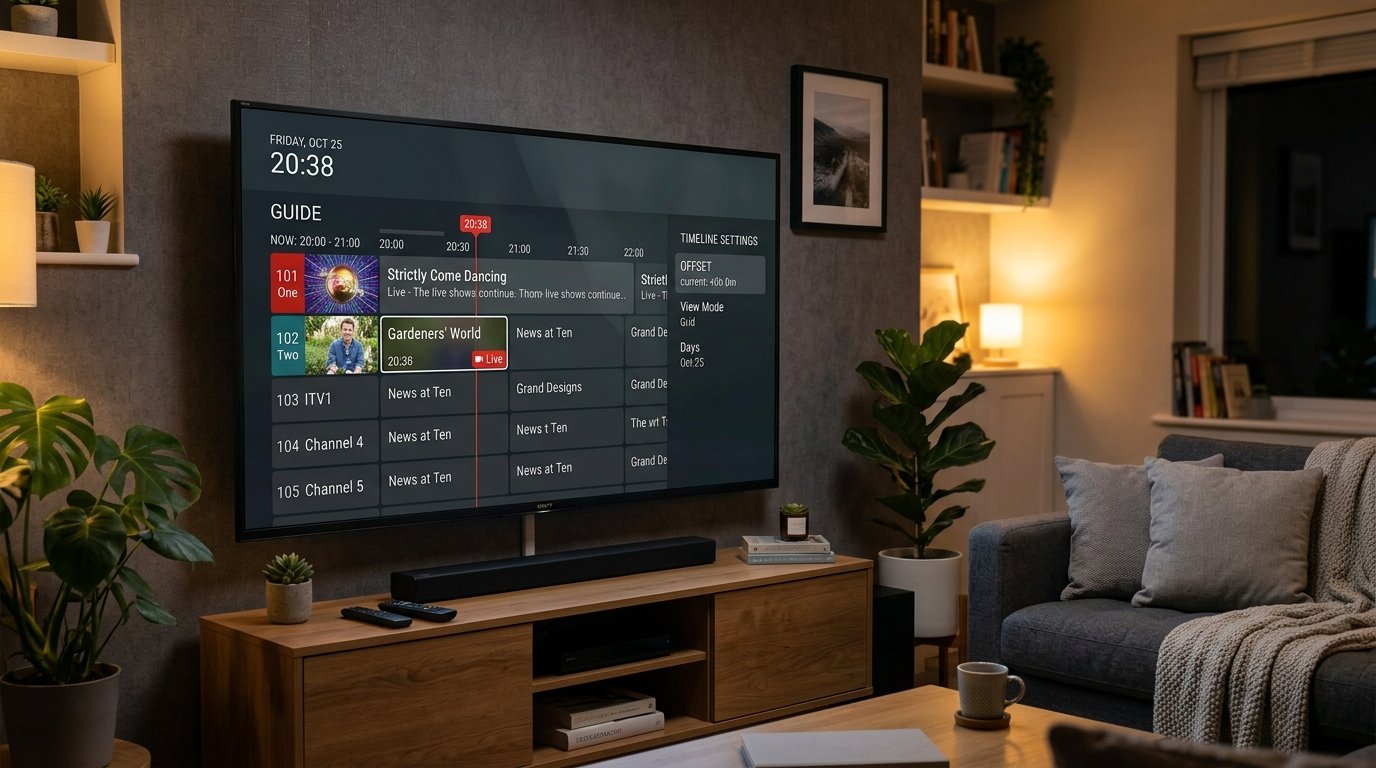
An accurate Electronic Program Guide (EPG) is what elevates IPTV from a basic stream link into a true modern television experience. Seeing program names, episode descriptions, upcoming sporting kickoff times, and progress bars allows you to plan your evening viewing with ease. However, when your TV guide shows "No Information" or program schedules are shifted by several hours, finding what to watch becomes frustrating.
In this 2026 technical guide, we review how XMLTV data feeds work and explain how to refresh corrupted EPG caches, fix incorrect timezone offsets, and manually assign guide channels on Eternal iptv.
Why Do IPTV EPGs Fail to Load?
- Local Cache Corruption: Your player saved an incomplete EPG download file when storage ran low.
- Timezone Offset Discrepancies: Your server transmits guide data in UTC/GMT, but your device is set to Eastern or Pacific time without an offset adjustment.
- Unmatched Channel ID: A newly added sports pop-up channel does not share the same technical metadata ID as the terrestrial XMLTV source.
- ISP Blocking XMLTV URLs: Your internet provider's firewall blocks non-standard port connections to external guide servers.
Step 1: Clearing EPG Cache & Forcing a Fresh Download
The most common fix is wiping the stale guide database stored on your device:
In TiviMate IPTV Player:
- Go to Settings → EPG.
- Scroll down and click Clear EPG (confirm when prompted).
- Click Update EPG. TiviMate will re-contact the Eternal iptv guide API and download fresh metadata for the next 7 days.
In IPTV Smarters Pro:
- On the home dashboard, click the Settings icon.
- Select EPG Timeline → EPG Management.
- Click Refresh EPG. Wait for the download percentage bar to reach 100%.
Step 2: Fixing EPG Timezone Offset (Programs Shifted by Hours)
If your guide displays a soccer match starting at 2:00 AM instead of 8:00 PM, your player's timezone offset is mismatched with your local clock:
- In TiviMate, go to Settings → EPG → EPG sources → select your Eternal iptv guide.
- Click Time offset.
- Adjust the offset in 1-hour increments (e.g.
+4:00or-5:00) until the timeline matches your local wall clock time. - Save changes. Your timeline schedule will realign perfectly across all channels!
Step 3: Manually Assigning EPG to Unmatched Channels
Occasionally, an event channel (e.g. Sky Sports Main Event UHD) might show "No Information" while the HD feed has full data. In TiviMate, simply long-press the channel → select Assign EPG → search for "Sky Sports Main Event" → pick the guide source. The guide will link to that stream permanently!
Ready to Stream 52,500+ Live Channels with Zero Buffering?
Experience Eternal iptv's dedicated NovaCast Ultra™ infrastructure. Get instant access to ultra-HD sports, 4K movies, and 24/7 technical customer support.