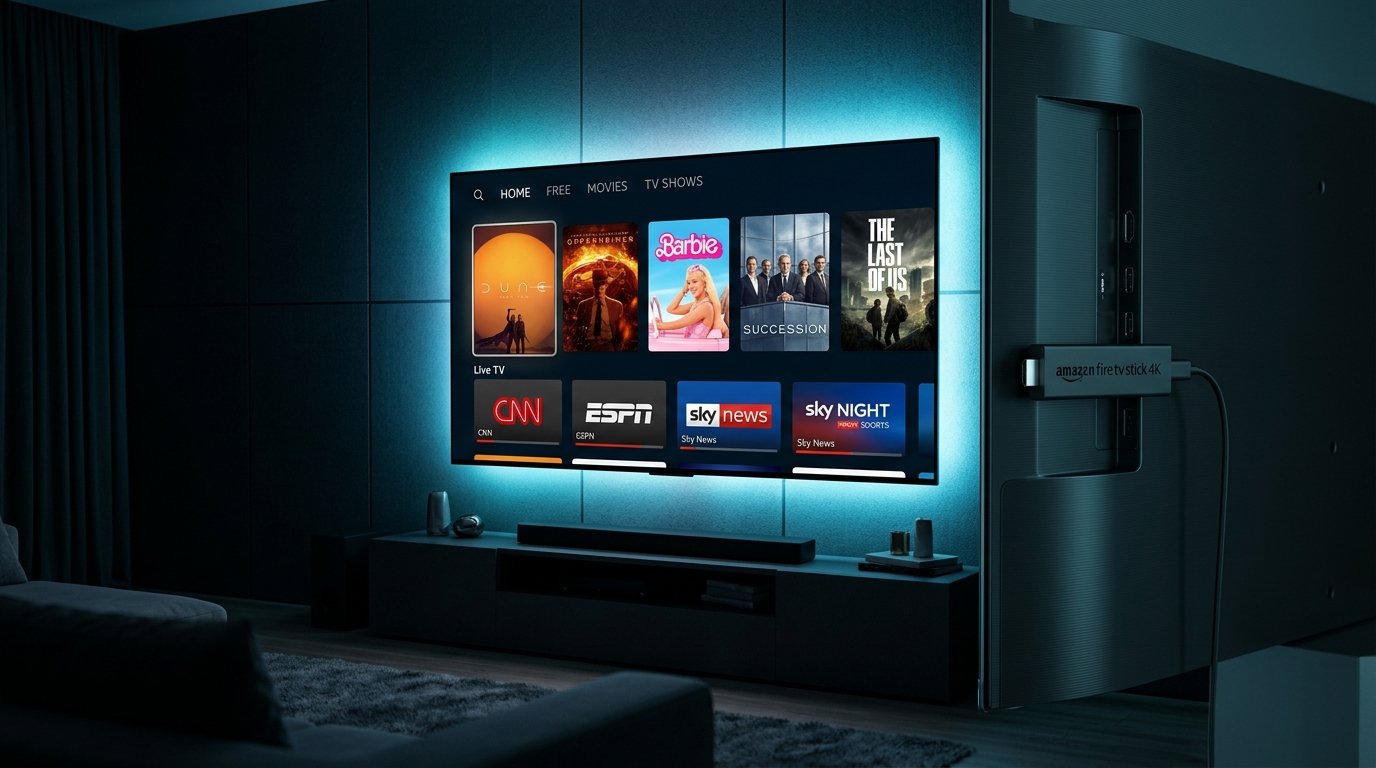
The Amazon Fire TV Stick remains the most popular streaming device in the world for IPTV. Thanks to its quad-core hardware acceleration, wide codec support (HEVC H.265 / AV1), and open Android OS foundation, Firestick handles native 4K 60FPS streams with extraordinary fluid smoothness.
In this tutorial, we guide you through the exact procedure our technical desk uses to configure Eternal iptv accounts in less than 5 minutes.
Step 1: Enable Developer Options & Unknown Sources
Because dedicated IPTV players (such as TiviMate and IPTV Smarters Pro) provide superior electronic program guides compared to browser players, we install them using Amazon's official Downloader app.
- From your Firestick Home screen, open Settings (the gear icon on the right).
- Select My Fire TV → About.
- Highlight your device name and click the center remote button 7 times continuously until you see the message: "No need, you are already a developer."
- Press the back button to return to the My Fire TV menu → click Developer Options.
- Turn Install Unknown Apps (or Apps from Unknown Sources) to ON.
Step 2: Install the Downloader App
- Return to your Firestick Home screen and click Find → Search.
- Type Downloader and select the orange icon from the search suggestions.
- Click Download / Get and launch the application once installed.
- Grant permission to access photos and media so the app can save installer files.
Step 3: Download Your Preferred IPTV Player
Inside Downloader's URL input box, enter one of the verified direct numeric shortcodes:
- TiviMate IPTV (Recommended for Firestick 4K): Code
272483ortivimate.com - IPTV Smarters Pro (Best for Multi-Screen): Code
78522 - XCIPTV Player (Clean Classic UI): Code
80123
Click Go, wait for the APK to download, and click Install. Once installed, delete the APK installer to keep your Firestick storage clean.
Step 4: Connect Your Eternal iptv Subscription
Open your installed player app and select Login with Xtream Codes API (this is vastly superior to typing long M3U URLs by hand):
- Playlist / Account Name:
Eternal iptv - Server URL / Portal: Enter the host portal URL sent in your confirmation (e.g.
http://cdn-ams.Eternal iptv.com:8080) - Username: Your personal account username
- Password: Your personal account password
MPEG-TS or HLS, and set Buffer Size to Normal (3000ms). This leverages our Anycast CDN routing for zero-buffering live sports.
Ready to Test This Setup on Your Firestick?
Get instant access to over 52,500+ live 4K channels, 60FPS sports, and 115,000+ VOD with our free 24-hour test account.
Frequently Asked Questions
Do I need a VPN on Firestick for IPTV?
All Eternal iptv streams are transmitted over encrypted TLS connections that prevent ISP metadata tracking. However, if your internet provider throttles bandwidth during Premier League, NFL, or UFC live broadcasts, using ExpressVPN or Surfshark will guarantee peak speeds.
How many devices can stream simultaneously?
Our subscription packages support up to 5 concurrent household connections. Check our IPTV Plans page to select the exact number of screens your home needs.