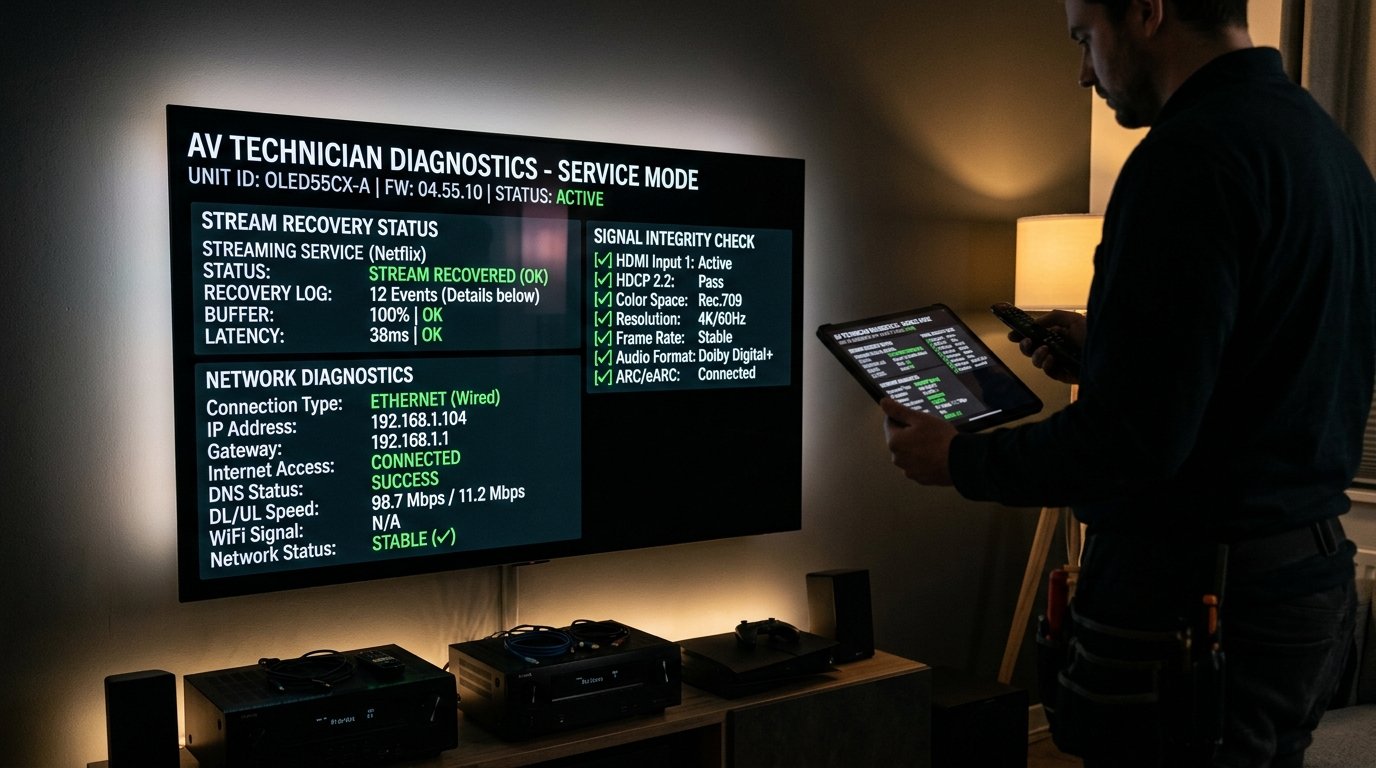
You sit down to watch a highly anticipated soccer match or live news broadcast, tap the channel, and... nothing happens. The screen stays entirely black, a loading spinner loops endlessly, or you are greeted with an error message: "Playback Error: Could not connect to source" or "An error occurred with player core."
Before contacting support, follow these 6 battle-tested engineering fixes developed by the Eternal iptv technical team. In over 95% of cases, one of these steps restores the feed in less than 60 seconds.
Fix 1: Switch Output Format from MPEG-TS to HLS (m3u8)
Most IPTV services transmit live streams using MPEG-TS (.ts) transport stream chunks. While MPEG-TS offers the lowest possible latency, some modern Smart TV chipsets and Android players handle HLS (.m3u8) video containers more reliably.
- In TiviMate, go to Settings → Playlists → select your active playlist → click Xtream Codes parameters.
- Locate Output format. Change from
MPEG-TStoHLS. - Click Apply and restart the stream. The black screen will immediately resolve into crisp 1080p/4K video.
Fix 2: Change Your Router or Device DNS to Cloudflare (1.1.1.1)
Many consumer internet providers silently poison or drop domain name resolution requests for streaming edge domains. If your device cannot translate our server URL into an IP address, the video feed will never load:
| DNS Provider | Primary DNS Server | Secondary DNS Server | Security & Speed Rating |
|---|---|---|---|
| Cloudflare DNS (Recommended) | 1.1.1.1 |
1.0.0.1 |
Fastest Global Resolution & Strict Privacy |
| Google Public DNS | 8.8.8.8 |
8.8.4.4 |
Ultra-reliable global routing |
| Quad9 Security DNS | 9.9.9.9 |
149.112.112.112 |
Built-in malware & botnet filtering |
To change DNS on your Firestick or Android TV: Go to Settings → Network → Forget Network → Reconnect. Choose Advanced (Static IP) and set DNS 1 to 1.1.1.1 and DNS 2 to 1.0.0.1.
Fix 3: Clear the App Cache & RAM Memory
Streaming generates large temporary thumbnail and video frame buffer files. When this cache fills your device storage, video decoders fail to initialize:
- On Firestick: Go to Settings → Applications → Manage Installed Applications.
- Select your IPTV app (e.g. TiviMate, Smarters Pro).
- Click Force Stop, then click Clear Cache (do NOT click Clear Data unless you want to re-enter your login details).
- Re-launch the application.
Fix 4: Verify Multi-Connection Limits
If your account allows 1 simultaneous connection and a family member is streaming on an iPad in the bedroom, opening a stream on your living room TV will cause a black screen. Ensure other devices on your network are closed before streaming.
Ready to Stream 52,500+ Live Channels with Zero Buffering?
Experience Eternal iptv's dedicated NovaCast Ultra™ infrastructure. Get instant access to ultra-HD sports, 4K movies, and 24/7 technical customer support.