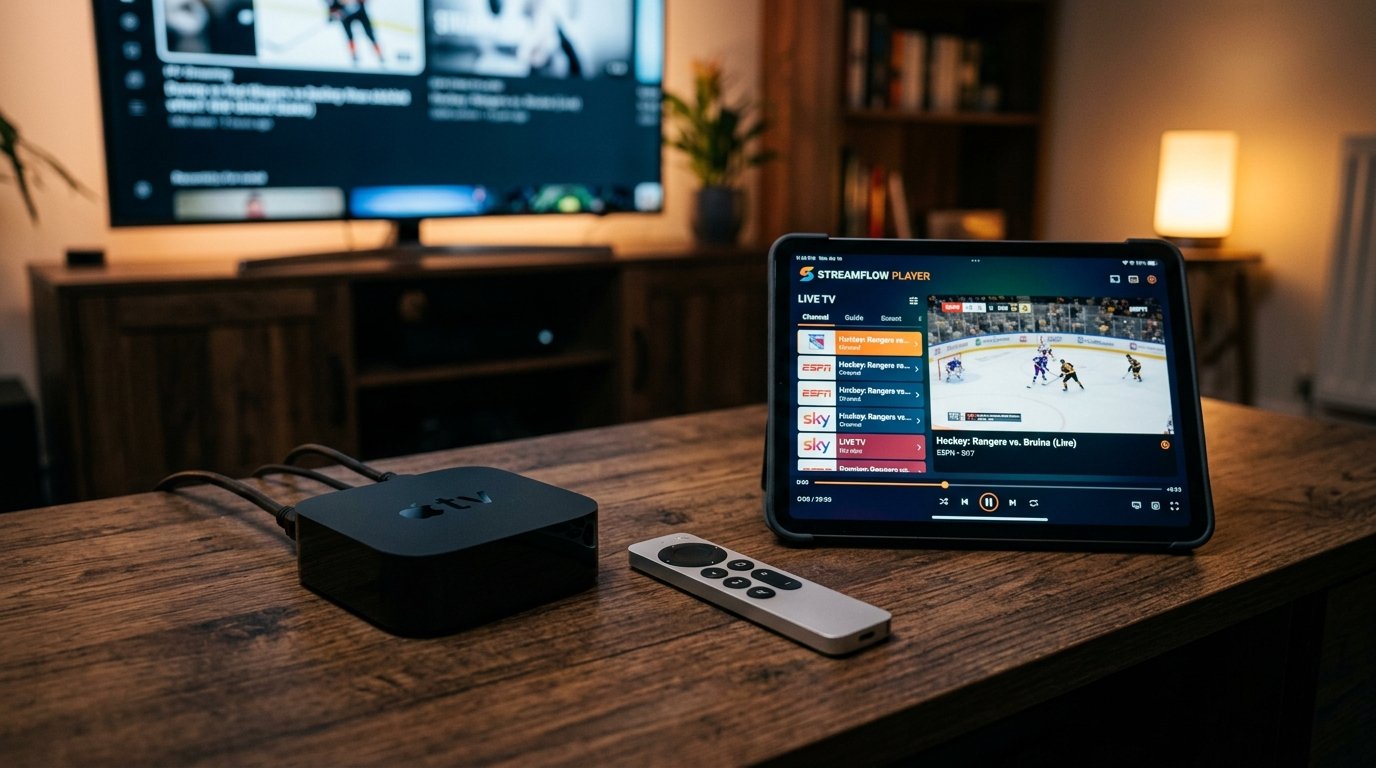
The Apple TV 4K (equipped with the A15 Bionic chip) is widely regarded as the most powerful consumer streaming box ever engineered. With unprecedented GPU rendering speed, support for Dolby Vision, HDR10+, and automatic frame rate matching, streaming IPTV on Apple TV, iPhone, and iPad delivers a fluid, ultra-responsive viewing experience that traditional cable set-top decoders can never match.
In this 2026 setup guide, we explain how to choose the right iOS/tvOS media player, configure your Eternal iptv Xtream Codes API, and synchronize your playlists and favorites across all your Apple ecosystem devices via iCloud.
Best IPTV Players on the Apple App Store
- UHF (Top Pick for Apple TV): Modern Apple-style interface, seamless iCloud sync across iPhone/iPad/Apple TV, picture-in-picture, and buttery smooth 120Hz scrolling.
- IPTVX: Netflix-style card layout, automatic IMDb metadata enrichment, and multi-profile family support.
- Smarters Player Lite: The official App Store client for IPTV Smarters, lightweight and fully compatible with Xtream Codes logins.
- GSE Smart IPTV: Veteran player with extensive parser support, M3U playlist uploads, and built-in network testing tools.
Step 1: Installing UHF or Smarters Player Lite on Apple TV
- From your Apple TV Home screen, open the App Store.
- Select the Search tab at the top and type "UHF" (or "Smarters Player Lite").
- Click Get to download the application to your tvOS home menu.
- Launch the application using your Siri Remote.
Step 2: Connecting Your Eternal iptv Credentials
- Inside UHF or Smarters Player Lite, tap Add New Account.
- Choose Xtream Codes API (this provides faster EPG refresh than manual M3U file links).
- Enter your account credentials:
- Account Name:
Eternal iptv Premium - Server URL:
http://line.eternal-iptv.shop:8080(from your welcome email) - Username & Password: Your active credentials
- Account Name:
- Click Login / Save. The app will sync categories, channel logos, and electronic program guide timelines.
Step 3: Apple TV Video & Audio Calibration
To ensure flawless 4K sports playback without micro-stuttering on high-end OLED displays, apply these system settings:
- Open Apple TV Settings → Video and Audio.
- Set Format to 4K SDR.
- Navigate to Match Content → turn both Match Dynamic Range and Match Frame Rate to ON.
Why this matters: European soccer broadcasts are transmitted at 50Hz, while US NFL and NBA games are broadcast at 60Hz. Turning on Match Frame Rate allows your Apple TV to automatically switch your display refresh rate to match the incoming transport stream, eliminating motion judder completely.
Streaming On the Go with iPhone & iPad
When away from home, you can stream the exact same channel package on your iPhone 15/16 or iPad over 5G or hotel Wi-Fi. In UHF, simply enable Cellular Streaming Mode to allow automatic bit-rate downscaling if your mobile connection speed drops below 25 Mbps. You can also AirPlay any channel directly to any AirPlay 2-compatible smart screen with a single tap.
Ready to Stream 52,500+ Live Channels with Zero Buffering?
Experience Eternal iptv's dedicated NovaCast Ultra™ infrastructure. Get instant access to ultra-HD sports, 4K movies, and 24/7 technical customer support.